

Synfire Sparks
The intelligent companion for songwriters and home producers. Explore keys, scales and chords and render instrumental tracks that you can export to your DAW.
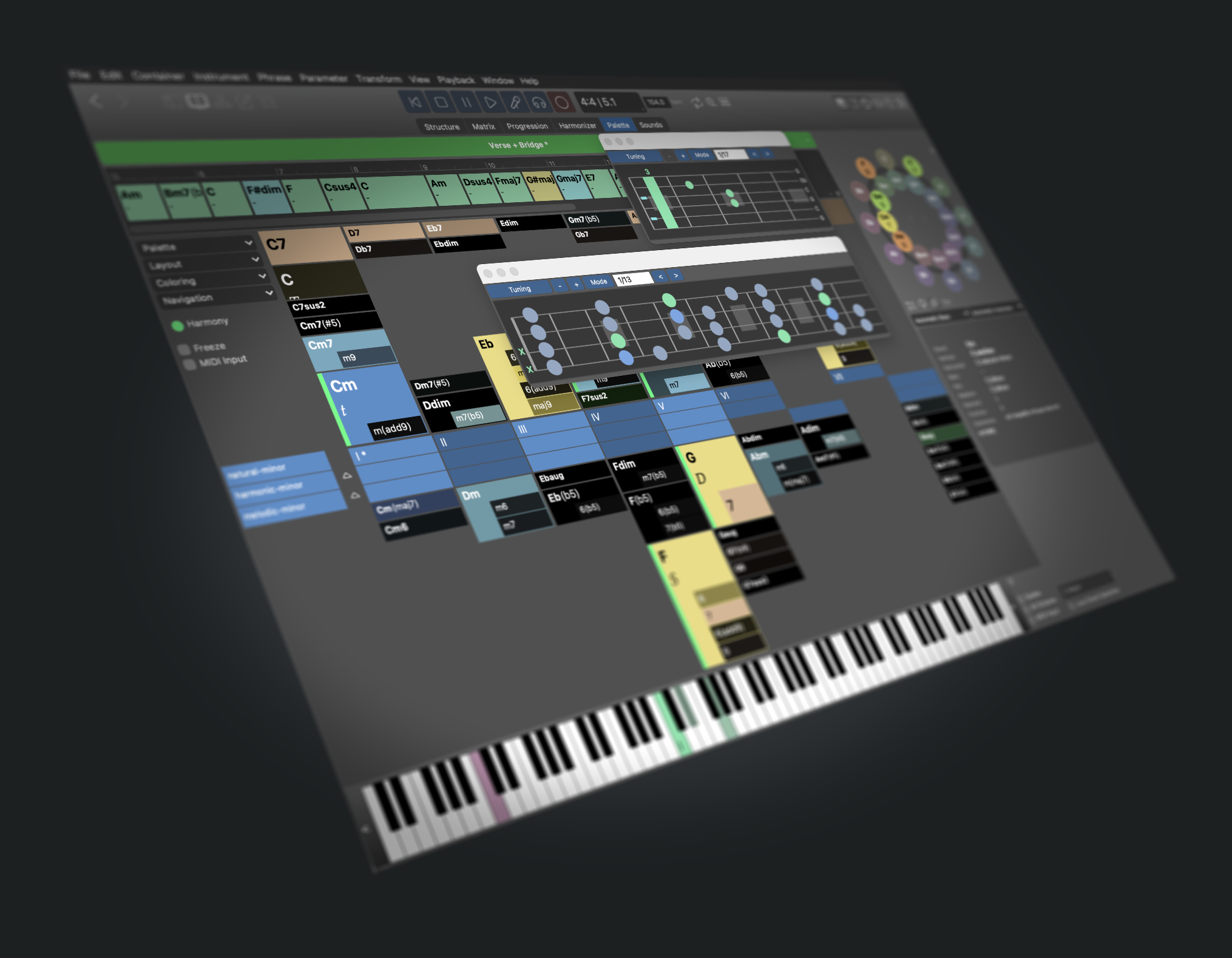
Music With Character
Musical genres and styles come and go. But at the core it's still rhythm, harmony, melody and structure that make the difference. Sparks is a great tool to freely experiment with these ingredients, put them together and export them to your DAW.
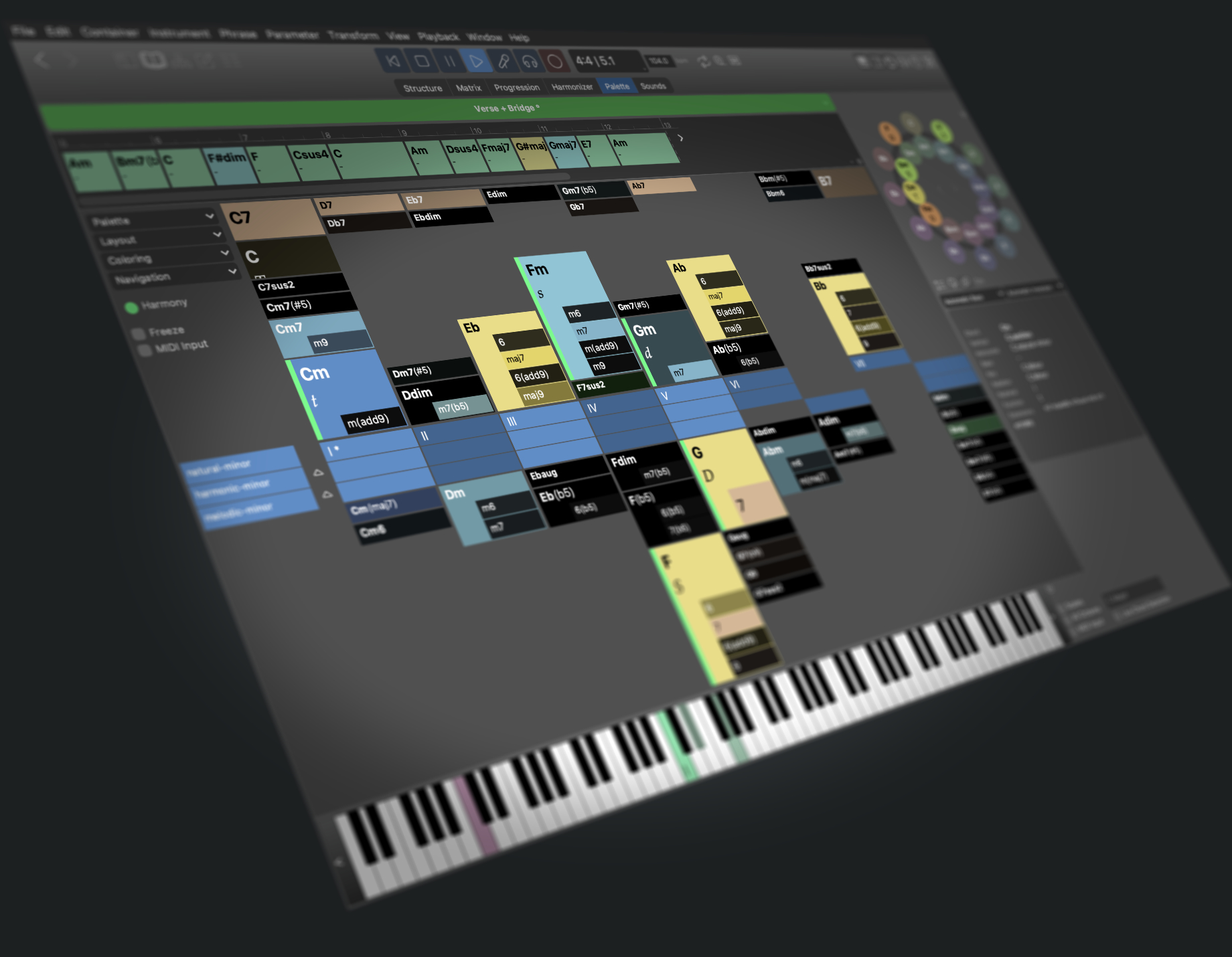
- Play various chord Palettes to explore harmony. Learn more about music theory along the way. Create your own palette layouts.
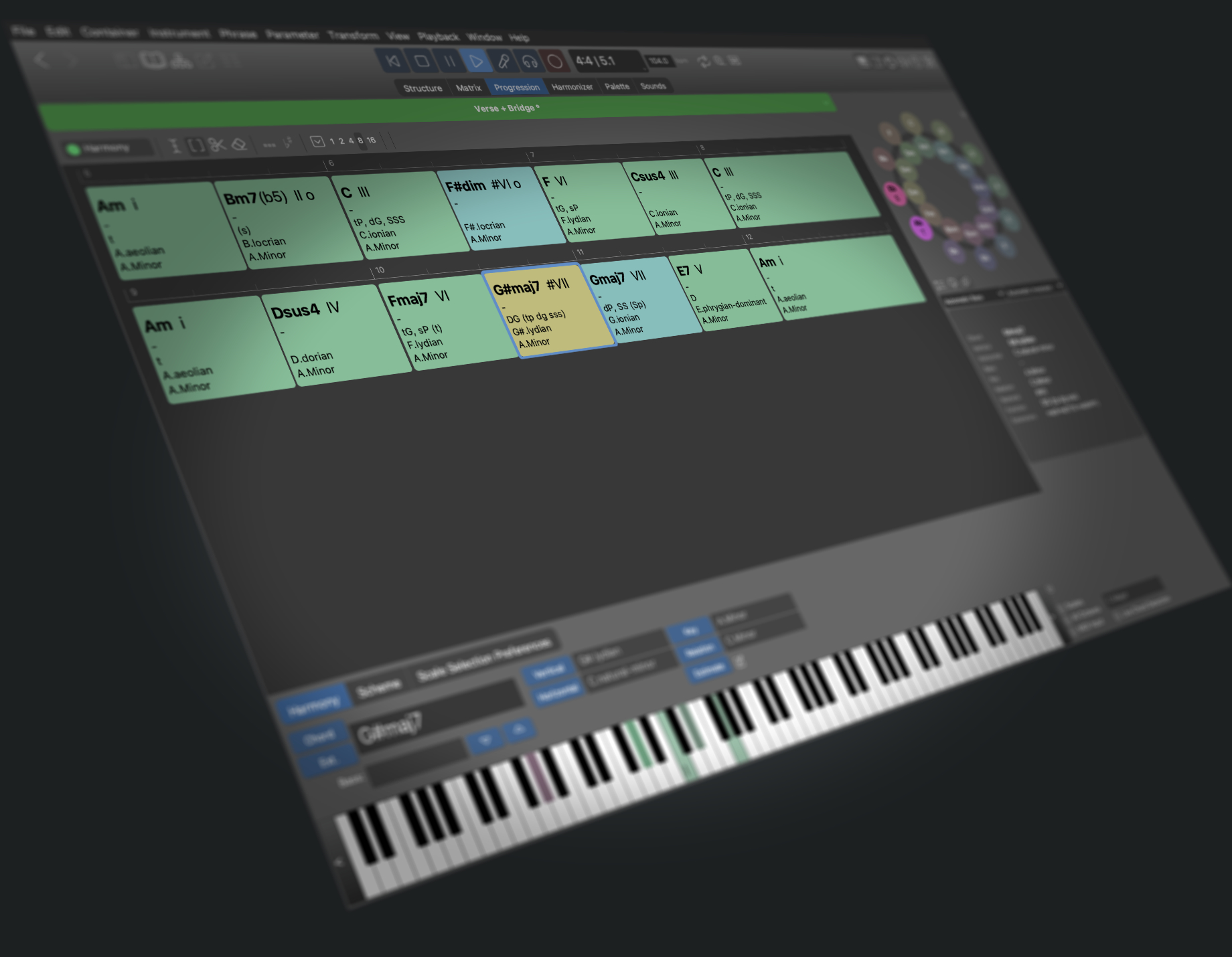
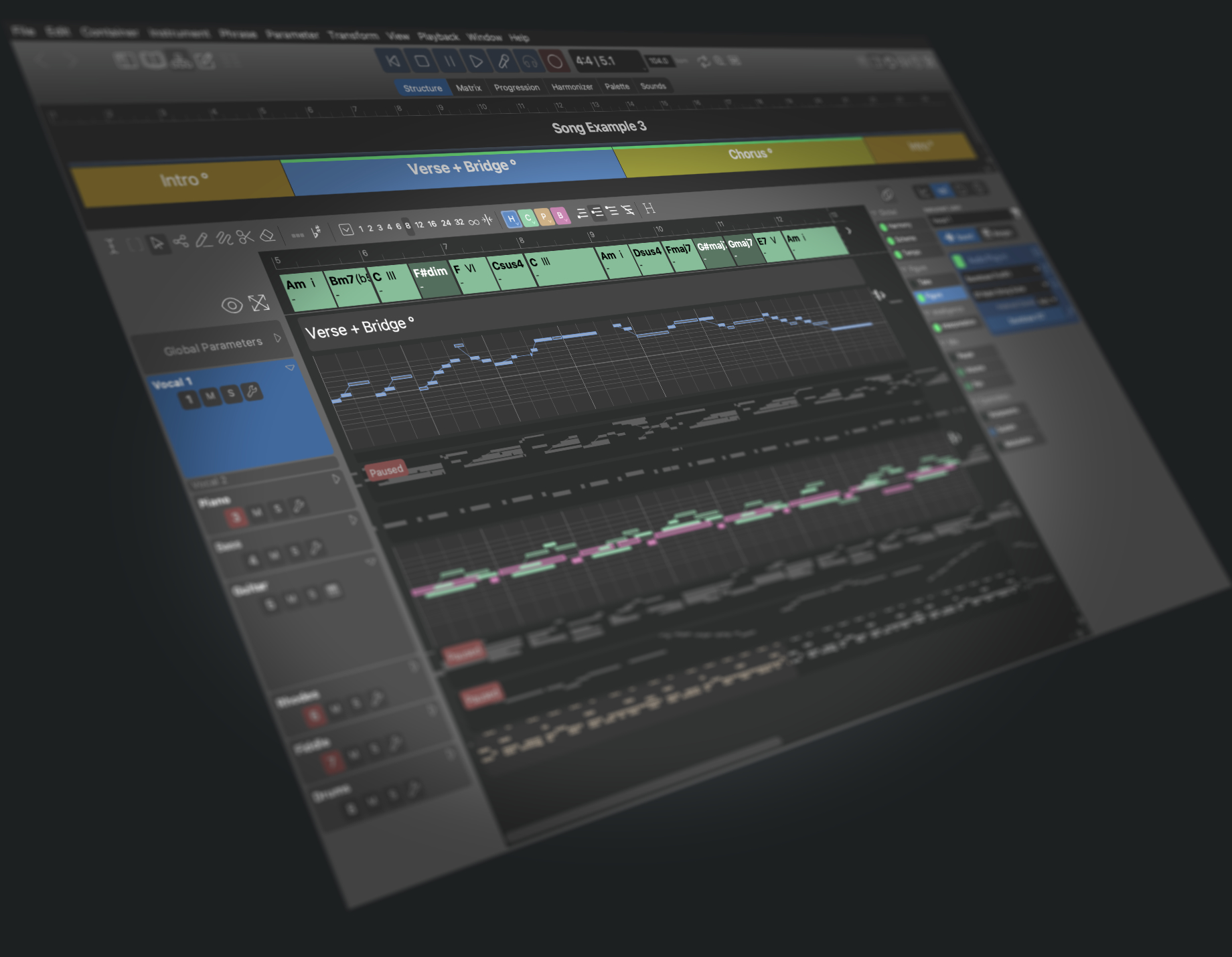
- Arrange a song with multiple sections and replace keys, chords, scales, and instrumental phrases at any time.
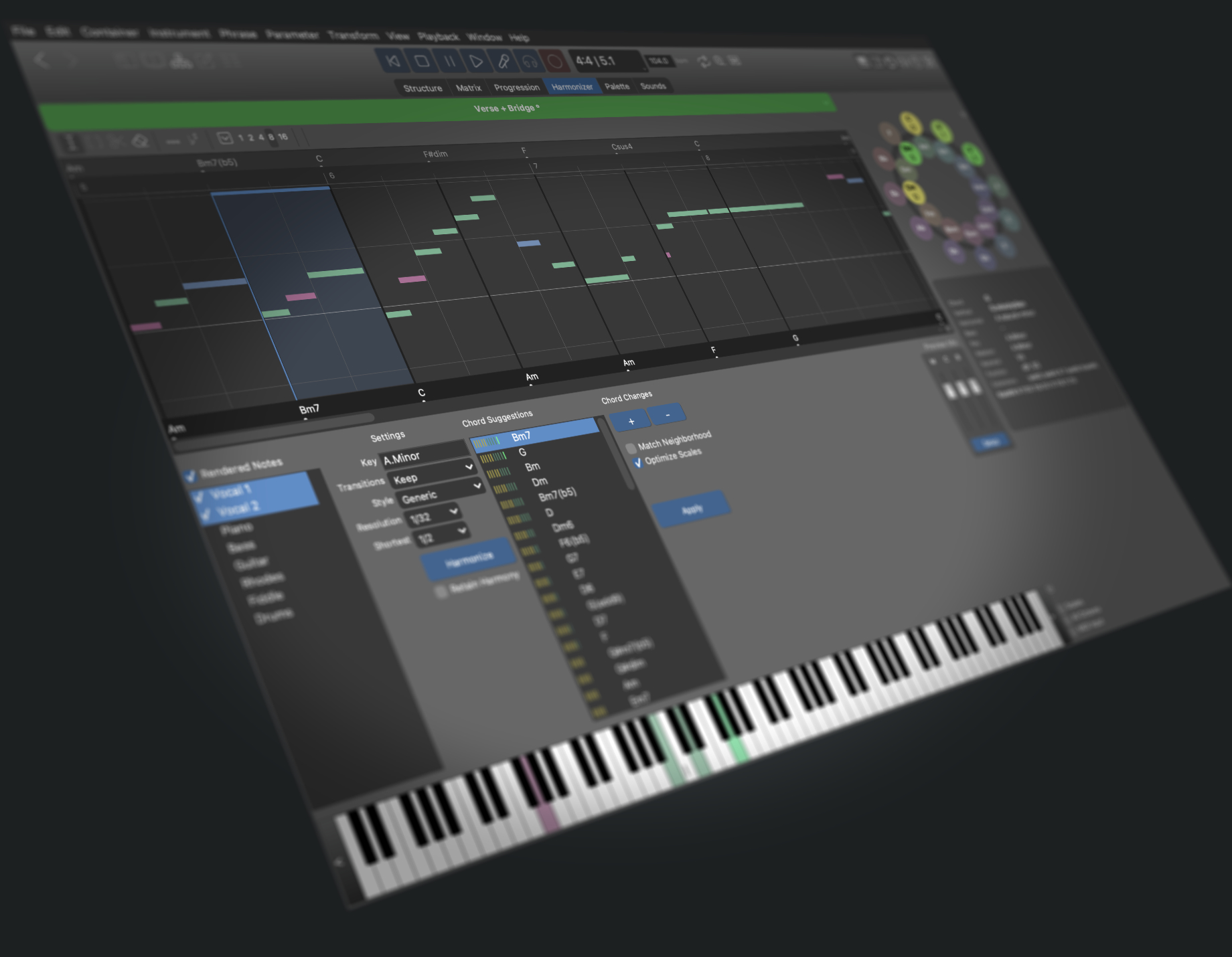
- Find chords that match a melody with the Harmonizer. Detect chords from MIDI input live.
- Try different bass lines, piano riffs, arpeggios, chord stabs, finger picking patterns, and whatever you can imagine.
- Export results to your DAW in DAWproject format, drag & drop, or MIDI files.
- Hosts your virtual instruments (AudioUnits, VST3, VST) or external hardware synthesizers.
- Play along to your song with your real instruments, following the chord patterns for many string instruments on screen. Print palettes and progressions along with tablatures for string instruments and keyboards.
Got curious? Sign up for our newsletter to stay informed about new developments and when we have a sale.
What Happened To Harmony Navigator 2?
Harmony Navigator is no longer a separate standalone product. It has been integrated with the Synfire family: Sparks, Express and Pro. You can upgrade your copy of HN2 to Synfire Sparks or Synfire Express. With both editions you can now host your audio plug-ins (AudioUnits, VST3, VST), edit phrases and collect you own libraries.
Now that all editions are based on the same foundation, you can use most tutorials and instructions made for any of the other editions. Although they are not 100% identical, you will more easily find what you are looking for.