
Homepage Logo

Music Prototyping Studio

Put new ideas to life in virtually no time, supported by Cognitone's revolutionary AI system with incredible editing capabilities: MPS can understand and re-interpret music on the symbolic level. While you focus on creative decisions, MPS works out the details. Save time, maximize your creative output and enjoy the fun.

The Prototyping Concept

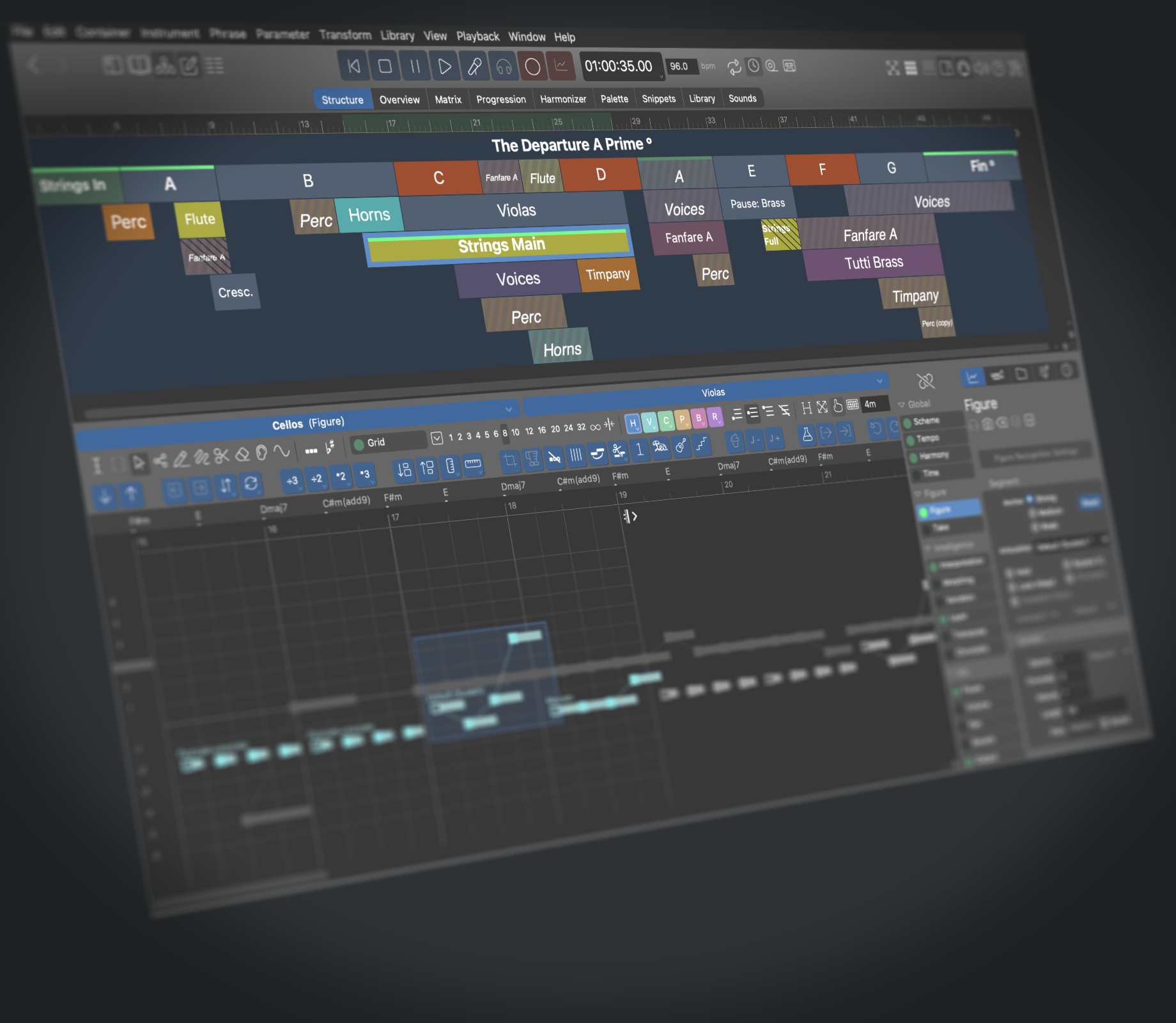
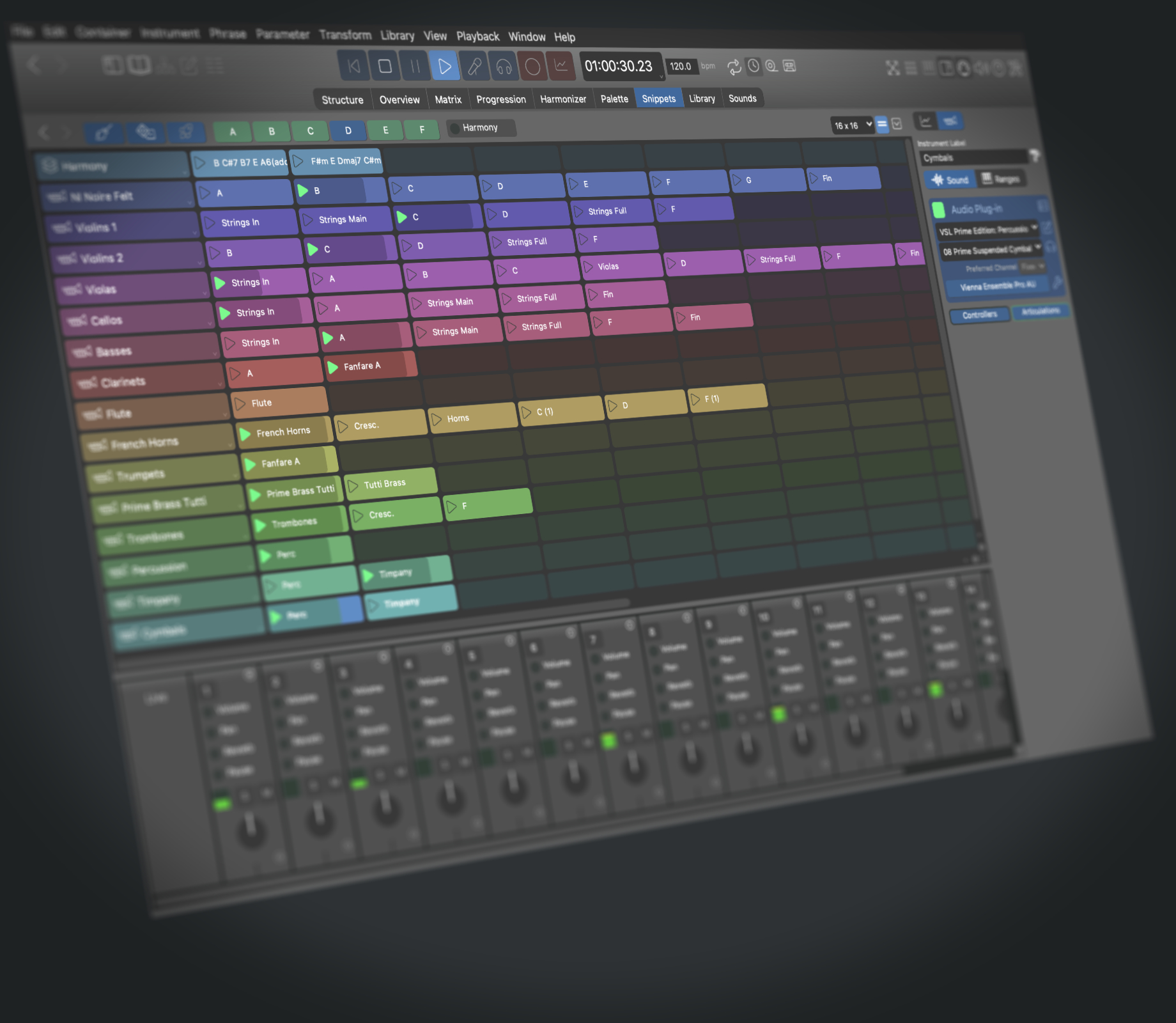
The idea behind Music Prototyping is to create new scores quickly by building upon elements like figures, motifs and phrases and arrange them in a tree-like structure. This is all done in a simple Drag & Drop or Copy & Paste fashion. Elements can be gained from various sources: Sketched, recorded or imported from MIDI files. As MPS takes care of fitting them together appropriately, you don't need to worry about pitch and dissonance. It just always fits.

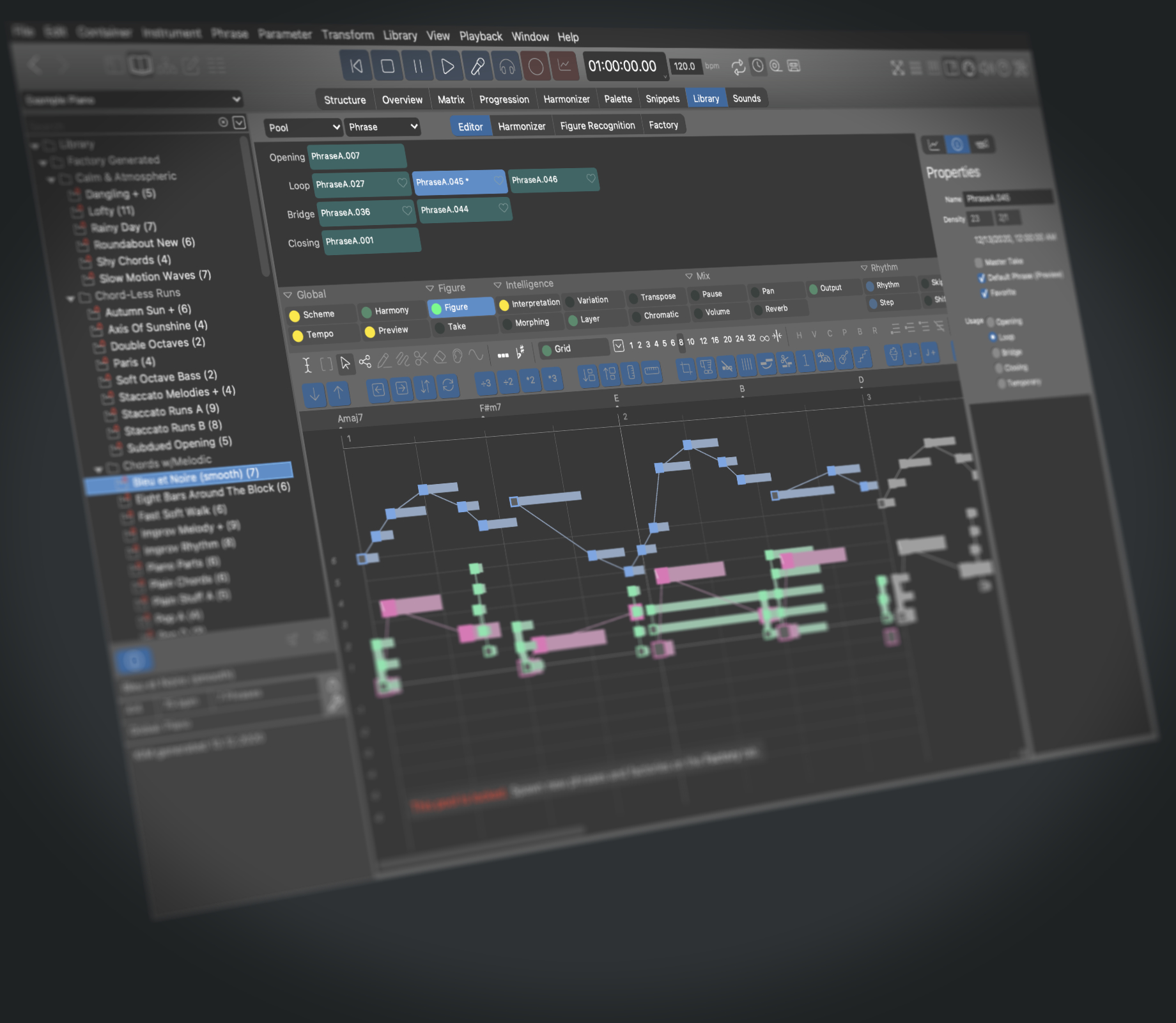
Phrases and figures (which is how these elements are called) can be freely shaped, stretched, distorted, grouped, transposed and relocated without corrupting harmony. They know how to adapt to their context themselves.

This revolutionary method is extremely intuitive, because it roughly resembles how musical ideas grow in the head of a composer. Instead of tediously tinkering at the note level, you can design the big picture from a comfortable distance. Being able to import, decompose and re-use arbitrary musical material, your productivity will explode.

Users who tested MPS for a while can't imagine how they could have ever worked without it. They claim the most obvious benefit was that new refreshing ideas poped up all the time. This workstation is an inifinte source of inspiration. If you ever found yourself stuck in writer's block or felt unable to come up with new ideas, Cognitone can help.

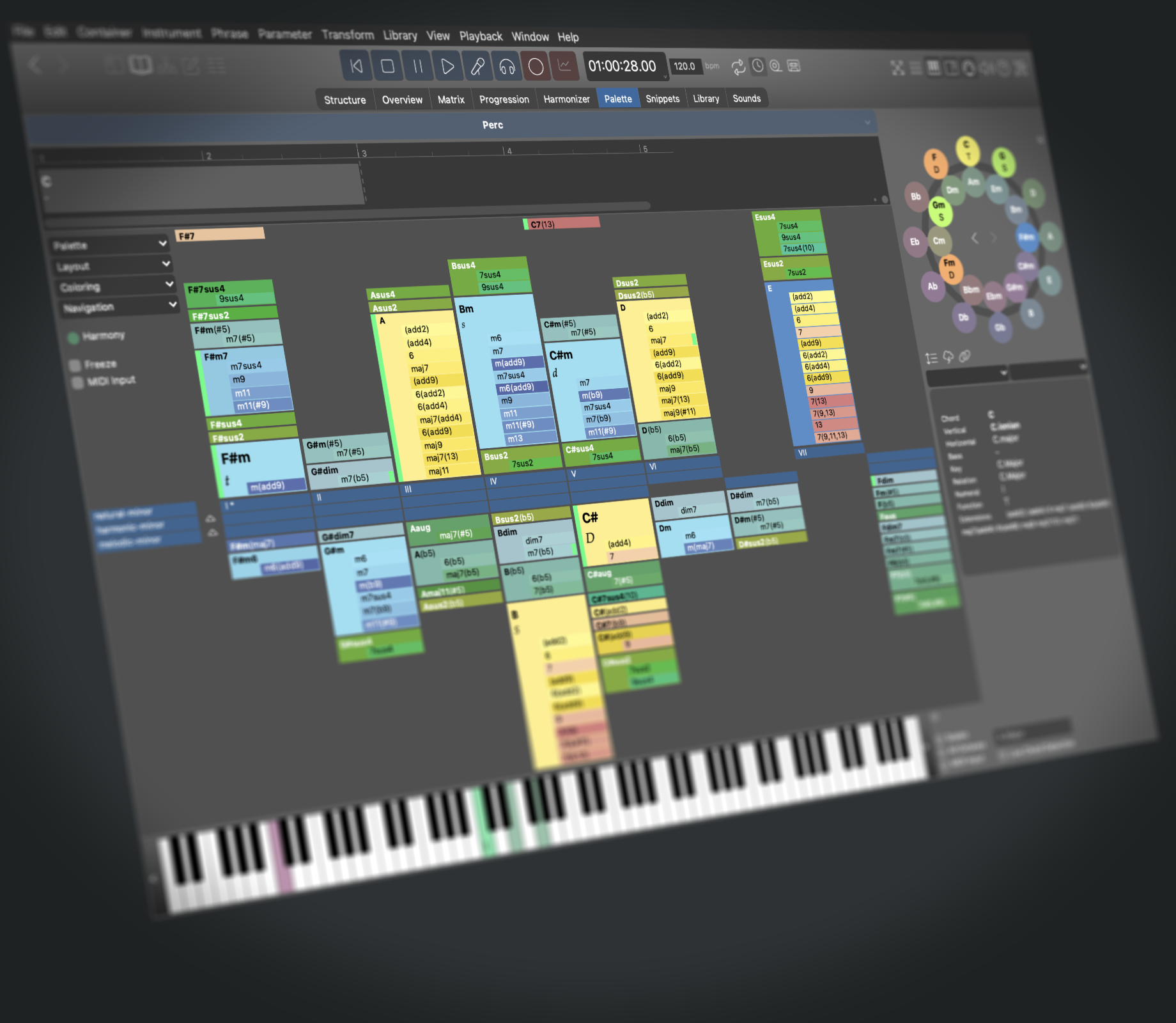
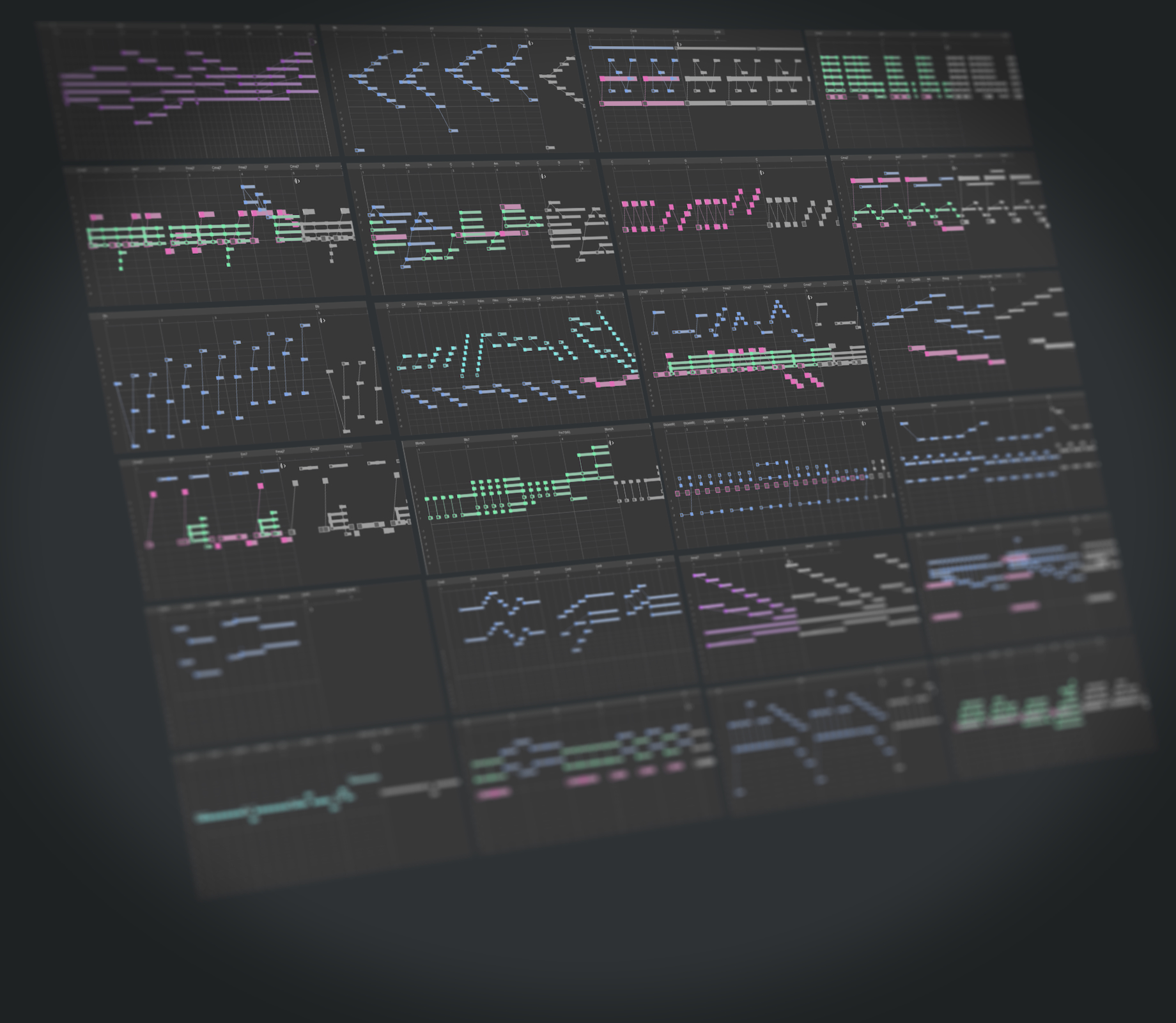
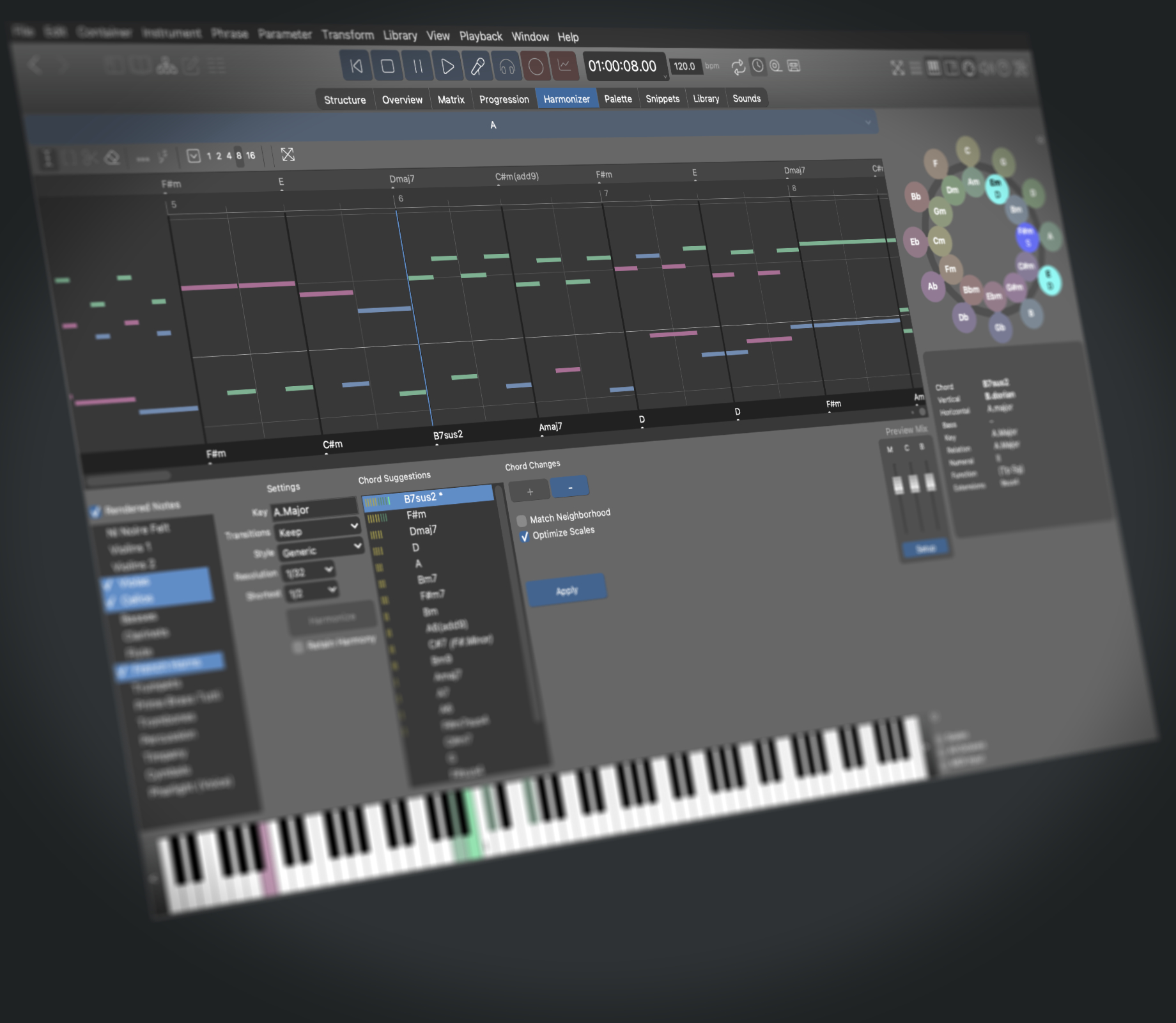
Check out this illustrated example and see what MPS can do.

Intelligent Figures

Prototyping is supported by intelligent figures that transform themselves to suit the environment. Just like virtual musicians are interpreting musical phrases in compliance with the big picture of the composer. The physical capabilities of the instruments are considered as well. Identical figures can be used in varying harmonic contexts. This means: Record once, play everywhere.

Even More Intelligent Arrangements

Musical passages (represented as containers) are freely relocatable within a composition. Unlike with other notation programs, this will not create harmonic havoc or stupid repetition. Moved parts automatically adapt to their surrounding, which is quite useful as a natural source of variation and motif development.

Ambition Is Welcome

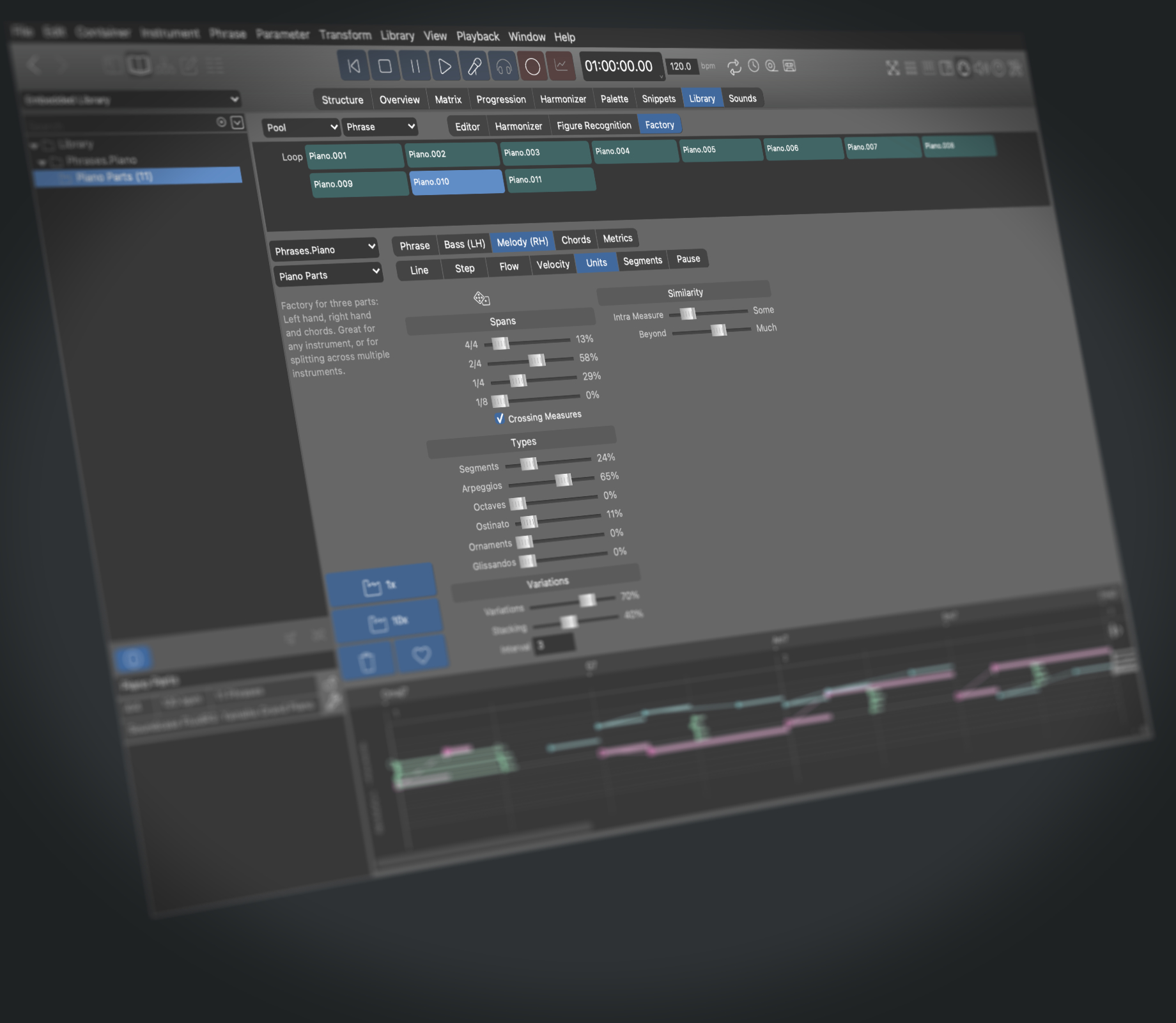
No, this isn't one of those create-a-hit-out-of-the-box programs. You are a composer with a legitimate desire for creative control. MPS is not a crutch for beginners (although you are free to use it exactly in that way). You are free to control each and every detail of your work. Assemble your own library of building blocks and use them as a foundation for your compositions.

By no means do the results created with MPS all sound the same. There's no specific stereotype involved that could spoil your individuality. Nobody will guess you have used MPS, provided you don't make the mistake to tell them your fantastic work took only a few hours to finish.

Unlimited Resources

If you are new to prototyping, you may probably want to start with something easy. MPS can import everything MIDI you can get hold of and create phrases and libraries for you automatically. It is a great experience and excercise to clone, recycle, transform and blend something new from existing scores. Working with MPS, it is rather easy to build upon imported material without getting into trouble with copyright infringement (rude plagiarism however, is still illegal). Creating original music with MPS is so incredibly easy, there's really no need to disregard other people's work.

Stay Clean

You won't get tired anymore from listening to the same passages over and over. With MPS you can judge your work from a comfortable, almost neutral distance. Concentrate on creative decisions instead of tinkering with painstaking details for hours. We call it "Composing by Listening".

MPS is a workstation for inspired composition rather than for audio mixing or typesetting. Once your composition is ready for production, you may want to move it to a conventional sequencer, DAW or notation program.

Learn more

View screenshots of MPS on the Mac and PC.

Listen to some examples demonstrating the features of intelligent Figures.

Back to the top of this page, and follow the navigation bar to the left to learn more.